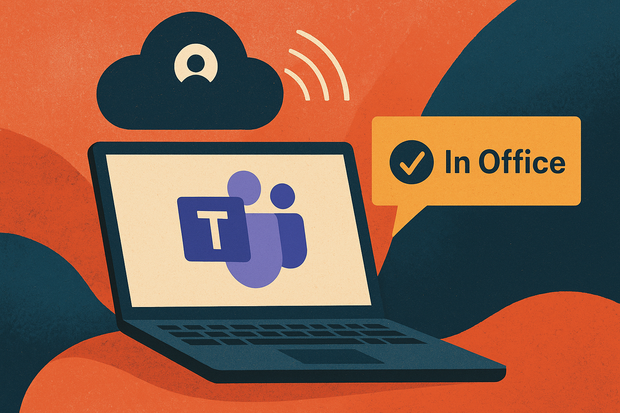
Microsoft Teams will indicate who is in the office: what changes for workers and companies
Starting in 2026, Microsoft Teams will be able to inform employers whether an employee is physically in the office.
The new feature, still optional and disabled by default, is based on detecting when a user’s device connects to a company-mapped Wi-Fi network. When the connection matches one of the predefined office access points (mapped by the IT administrator), Teams will label the employee status as “In Office”. Otherwise, it will show them as remote.
What’s the stated goal
The official reason for the feature is to improve hybrid working coordination—ensuring transparency about who is on-site so that teams can plan face-to-face meetings, allocate spaces, and avoid confusion between “in-office” and “remote” status.
What this means for companies
Employers gain a tool to better manage staff presence, office occupancy and hybrid workflows. From an IT/admin standpoint, it requires mapping the office Wi-Fi networks (SSIDs/BSSIDs) in Teams/IT settings so the detection mechanism works. It may influence how firms enforce presence policies, schedule in-office days, allocate desks and perhaps monitor adherence to hybrid work rules.
What this means for workers
On one hand, it could bring clarity: colleagues will more reliably know who’s in the office, and hybrid working schedules might be better coordinated. On the other hand, it raises privacy and autonomy concerns: the ability to track whether someone is physically in the office might feel like surveillance rather than collaboration. It’s important to note that the feature is not turned on by default: it must be enabled by the IT administrator and requires explicit worker consent (at least according to public reports).
Key caveats & open questions
While it detects connection to a known network (office Wi-Fi) it is not exactly a GPS trace; it simply infers the location relative to the mapped network. Legal and regulatory aspects: in Europe, the use of such detection must be compatible with data-protection laws and employment law. Some legal experts already warn this could be considered an intrusive monitoring tool if misused. Cultural impact: organisations that treat hybrid work as trust-based may find tension if installed but used like surveillance. The success of hybrid models often depends on managing performance and outcomes, not just presence.
In short
The upcoming Teams feature marks a shift: from user-declared location (“I’m in office”) to system-detected location (“Your device is connected to office Wi-Fi”). For companies this offers new visibility, for employees it brings new questions. How it will be adopted, how transparently, and how the trade-off between collaboration benefits and privacy risks is handled will matter a lot.